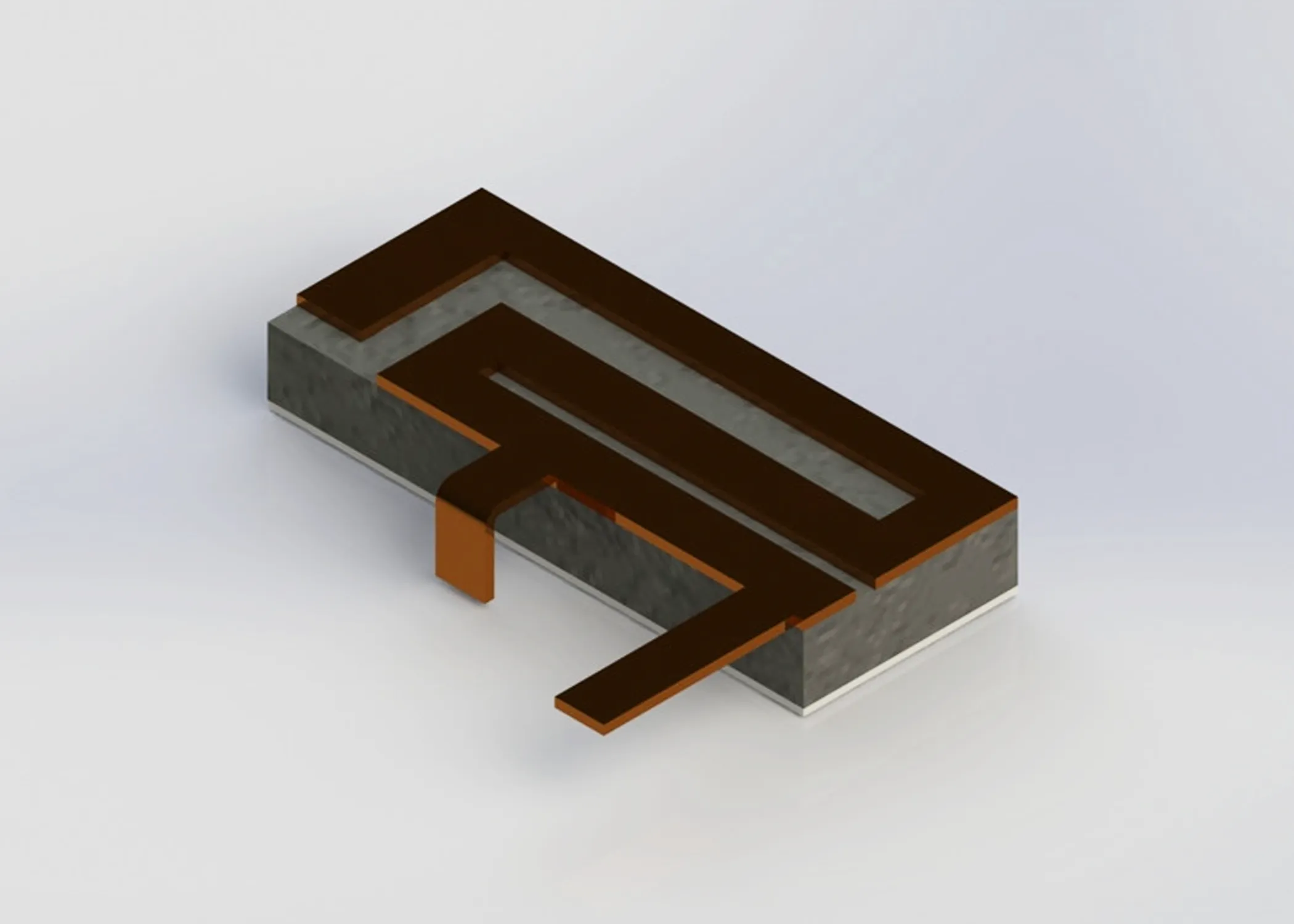
PCB, patch antennas

Simulate your antenna before the next PCB revision. Design, test and refine PCB, microstrip and patch antennas before manufacturing another board.

Import your Gerber or CAD geometry, define the substrate, feed and materials, run frequency sweeps, and evaluate how your antenna behaves across the frequencies that matter.

See what changes before you manufacture another PCB

PCB antenna performance depends on much more than the antenna shape alone.

Substrate properties, ground-plane dimensions, feed geometry, antenna position and surrounding hardware can all change resonance, impedance and radiation behaviour.

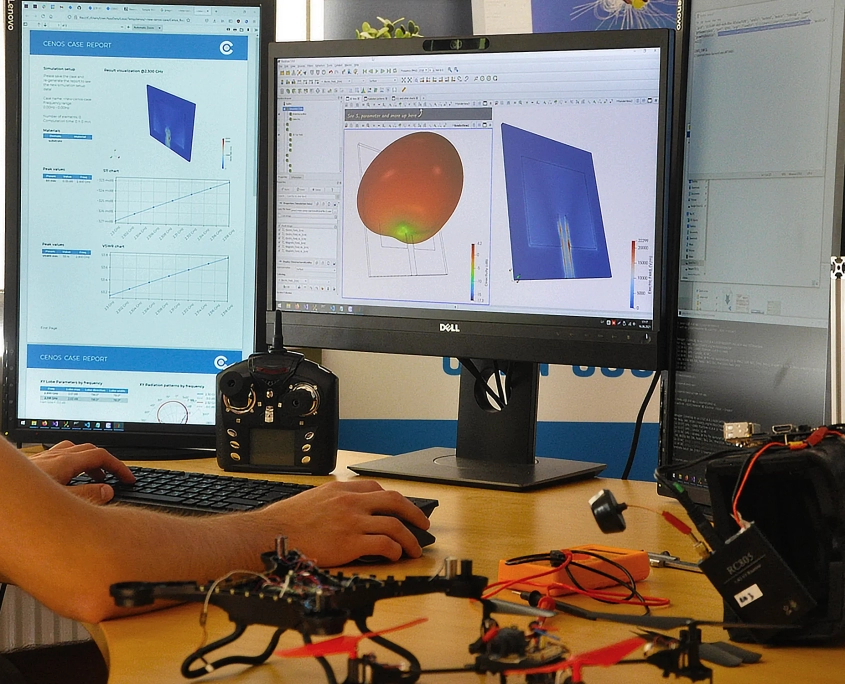
CENOS : RF lets you investigate these effects in simulation and compare design variations before committing to another physical prototype.

1

Start from your PCB design

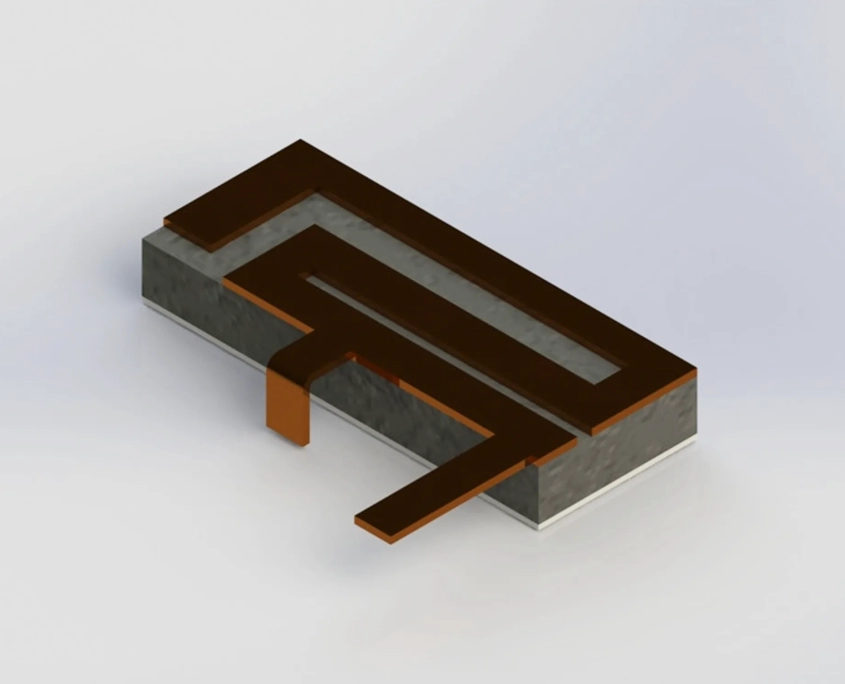
Import Gerber X2, STEP or IGES geometry, or build antenna geometry using predefined antenna templates and the integrated geometry editor.

CENOS can also process very thin PCB conductors as 2D surfaces to reduce unnecessary mesh complexity.

• Gerber and CAD input
• PCB stack-up and materials
• Patch, ground and feed geometry

2

Test the parameters that change antenna performance

Run frequency sweeps and compare different antenna configurations without rebuilding the entire simulation setup.

Study how changes in patch dimensions, feed position, substrate, ground plane or surrounding geometry affect the antenna.

• Frequency sweeps
• Parametric studies
• Geometry and material comparisons

3

Evaluate the RF results that matter

Review antenna performance using predefined RF results instead of building the analysis from scratch.

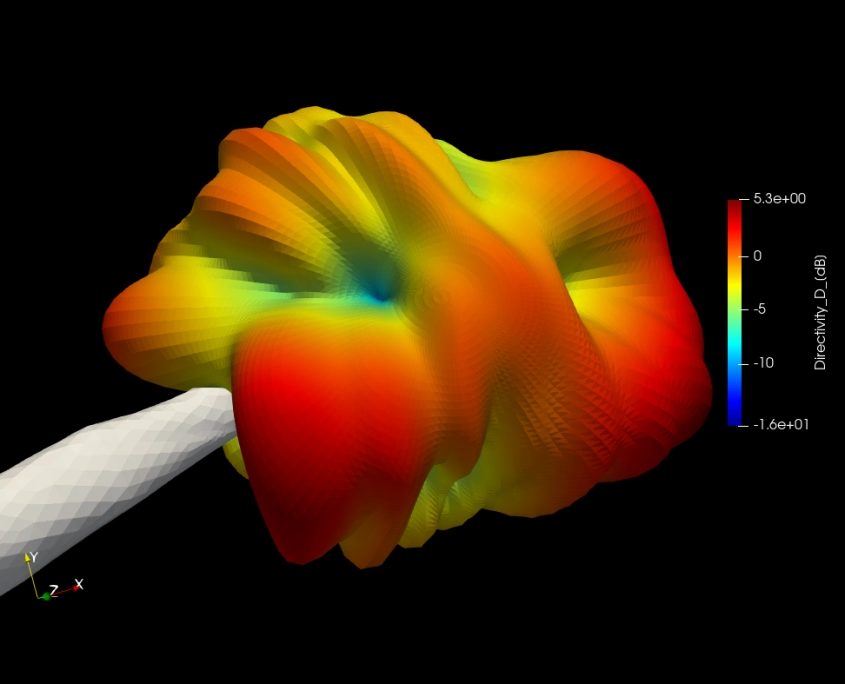
Compare designs using S-parameters, impedance, VSWR, Smith charts, radiation patterns, polarization, electromagnetic fields and current distribution.

• S-parameters & VSWR
• Impedance & Smith chart
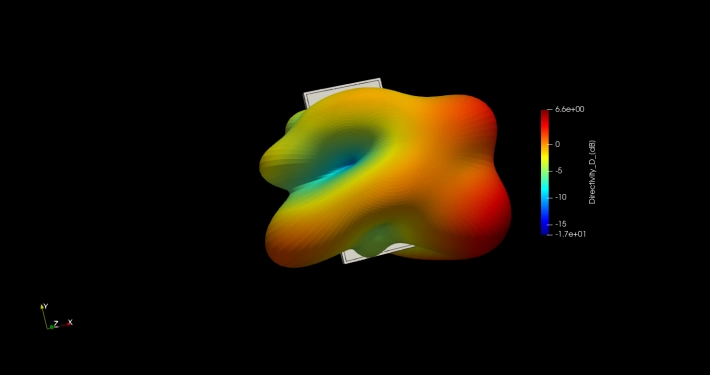
• Radiation pattern & polarization

Built for practical PCB antenna development

Use CENOS : RF to investigate PCB and patch antennas used in connected electronics, IoT devices, drones, wearables, industrial equipment, medical devices and other compact RF systems.

From the antenna geometry itself to its placement inside the final product, you can test design decisions virtually before moving to another PCB revision.

Your antenna does not operate alone

A PCB antenna can perform well as an isolated design and behave differently once it becomes part of the final device.

The PCB dimensions change. A battery moves closer. A metal shield is added. The enclosure changes. Another antenna appears nearby.

Simulation lets you include these parts in the model and see how they influence antenna behaviour before the design reaches the lab.

Ground plane and PCB dimensions

Study how board dimensions and ground-plane geometry affect resonance, impedance and radiation.

Substrate and material properties

Compare different dielectric materials, thicknesses and material parameters.

Feed and matching geometry

Investigate feed position, feed networks and geometry changes that affect impedance matching.

Nearby components and hardware

Include surrounding parts to understand how antenna placement changes the electromagnetic field and radiation pattern.

Polarization and radiation

Inspect radiation patterns and axial ratio to evaluate polarization characteristics.

Arrays and multi-port designs

Analyze multiple ports, phase shifts, coupling and periodic antenna configurations.

The importance of placement studies in antenna design
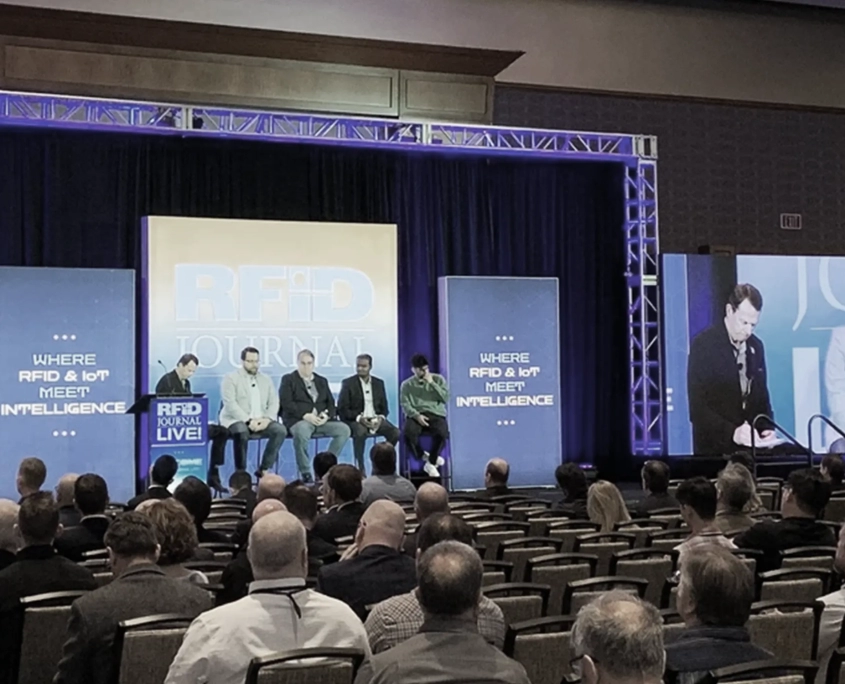
Key takeaways from RFID Journal LIVE!
Make engineering simpler with simulation software
1234567

Just three easy steps

CENOS Simulation Software for Engineers in 3 easy steps. Import CAD. Take your design.

Import geometry
Take your design

CENOS Simulation Software for Engineers in 3 easy steps. Set up parameters. Define physics and materials.

Set up parameters
Define physics and materials

CENOS Simulation Software for Engineers in 3 easy steps. Review results. Make decision.

Review results
Make decision

From CAD to eCAD – parametrize
and optimize

Upload parametric CAD or eCAD
designs and fine-tune geometries to
identify the best antenna dimensions
and placement.

Ready-to-use
results

CENOS : RF delivers a comprehensive
set of pre-defined results, along
with flexible tools for customization,
scripting, and in-depth evaluation.

Complete PDF
reports in one click

Preparing presentations with simulation results is a necessary but everyday task. With the one-click PDF report feature, CENOS™ does it for you.

You can send the results immediately by e-mail to your colleagues or customers. Or you can print and send a hard copy – whichever suits you best, so you can get back to the practical work.

Live support
from experts

An integrated software chat with CENOS™ engineers provides you with immediate and detailed technical support. No fancy chatbots here!

Our product engineers take one day of paid vacation every week for customer support. This gives customers in-depth expertise and engineers first-hand feedback. A real win-win situation.

Pricing
& Plans

Prices are shown in U.S.$, exl. VAT if applicable

$4,800
/3 months

Single
project

from $9,000
/year

Frequent
use

“TrustPoint’s experience with CENOS has been consistently positive. The software has performed reliably and we appreciate its intuitive functionality. Recent tests on our antennas, which aligned closely with CENOS’s simulations — within approximately 2 dB — underscore the software’s accuracy and value.”

“Tiler explored multiple simulation tools, but found CENOS to be the most user friendly by far. It is really quick to setup multiple studies and iterate the design quickly. We also simulated the designs we have in production already and found very good correlation.”

“The CENOS software has allowed SES to reduce development lead times with a simulation product focused on the needs of RFID and connectivity solutions. We are also now in a position to offer fast turn-around antenna design services allied with our patented technology for rugged industrial applications.”
Trusted by engineers of diverse
industries around the world Read more →

Our engineers
are right here in
your time zone

Our offices are located in Europe and North America. So you can be sure that immediate support is available in your time zone.

Next
steps

Set up a free 30-minute meeting with our engineer to discuss how CENOS simulation tools can optimize your process of engineering. Ask experts how to start or go for the free trial right away.